How to Get More Google Reviews for Your Small Business in St. Louis
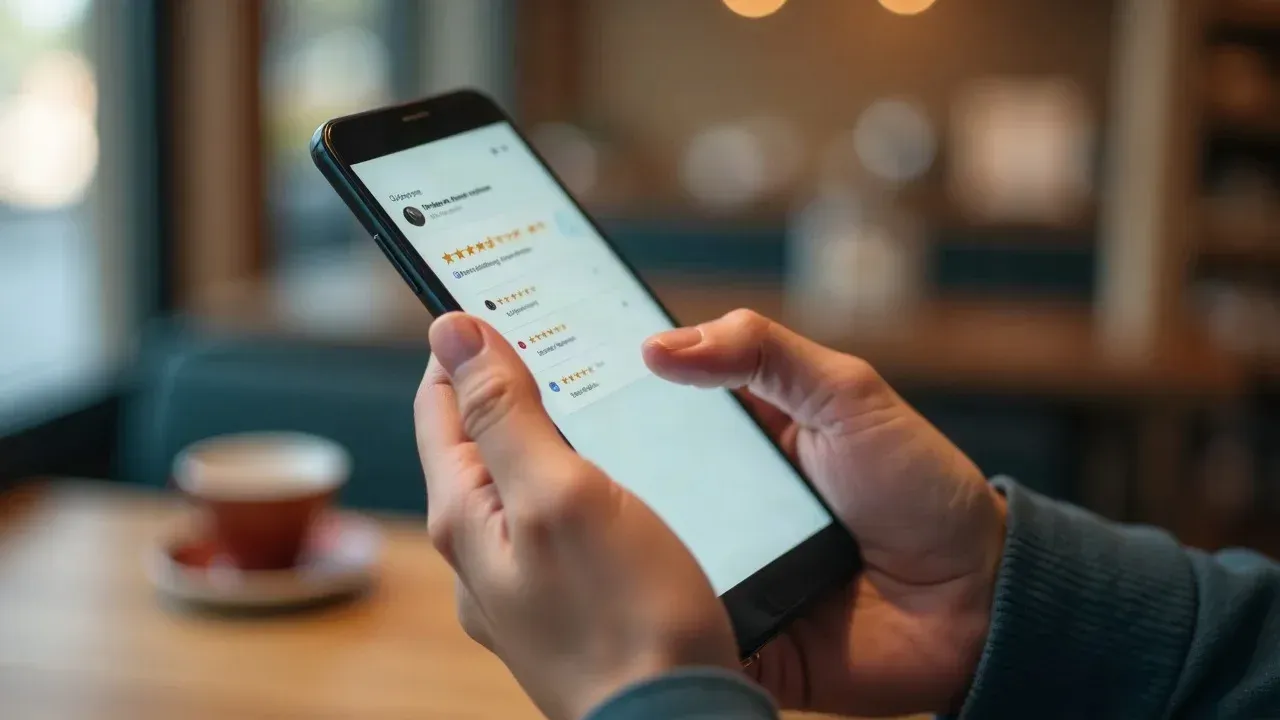
Imagine a busy Saturday in St. Louis: customers stream into local businesses, and nearly every one decides where to shop or dine based on Google reviews they just scanned on their phones. If you want your small business to stand out in the local pack, attract more customers, and build lasting trust, mastering how to get more Google reviews for small business is absolutely vital. This guide shows you — clearly and step by step — exactly how to do it, so you never fall behind the competition again.
How to Get More Google Reviews for Small Business in St. Louis: A Direct Answer
To get more Google reviews for your small business in St. Louis, set up your Google Business Profile; create and share a direct review link or QR code; ask customers promptly after a transaction using channels like email, SMS, receipts, and in-person scripts; and follow a simple, repeatable process. Always respond to reviews and avoid incentivizing or gating requests. These steps ensure you grow authentic reviews, improve your local pack ranking, and establish trust with St. Louis customers who rely heavily on platform reviews to make buying decisions.

What You'll Learn in This Guide
- The role of Google reviews in St. Louis local SEO and consumer trust
- How to set up a direct review link and QR code for your small business
- Best practices for timing and channels of review requests
- Building a repeatable internal review request process
- How to professionally respond to positive reviews and negative reviews
- Google’s policies on reviews: what’s allowed and what isn’t
- Practical tactics you can implement today without a marketing agency
Why Google Reviews Matter for Small Business in St. Louis
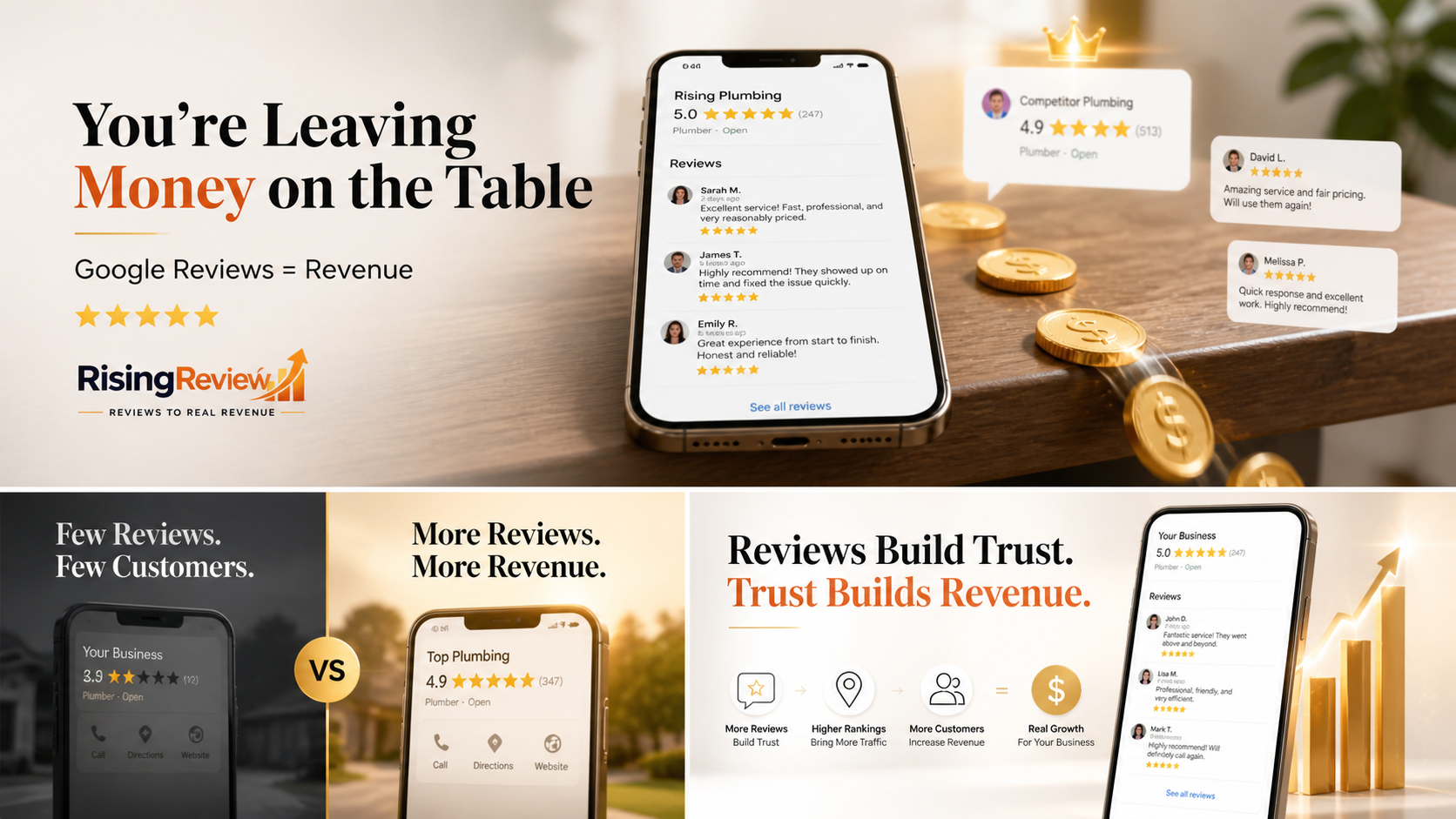
When St. Louis residents search for local businesses—whether it’s for HVAC, real estate, restaurants, or retail—the volume and star rating of your Google reviews can mean the difference between being the obvious choice or being overlooked. Most consumers read reviews before making a purchase decision; in fact, your Google reviews not only influence trust but are a direct ranking factor on the search platform. A strong, steady stream of recent, positive reviews signals to both Google and future customers that your business is credible, engaged, and valued in the St. Louis community.
Online reputation isn’t about vanity—Google reviews directly impact your local pack visibility, click-through rate, and how consumers perceive your platform reviews compared to competitors. Happy customers become your best advocates, while a lack of reviews or a low star rating means losing out—even if your service is excellent. The search platform reviews ecosystem favors those who engage, respond, and request feedback consistently, solidifying your place as a trusted local business.

How Google Reviews Influence Local Pack Rankings and Clicks
- Volume of reviews signals business credibility to Google
- Higher star ratings improve click-through rates
- Recent positive reviews show active, trusted local business engagement
“Every step to increase your Google reviews for your St. Louis business makes you more visible and trusted than your competitors.” – Rising Review LLC
Setting Up Your Google Business Profile for Reviews
Your journey to increasing Google reviews starts with a complete, optimized Google Business Profile. Think of this as your storefront on the world’s most influential search platform—accuracy and completeness matter. Start by claiming your business, verifying local business info (address, phone, hours), and adding up-to-date photos. A well‐optimized profile boosts your chances of ranking in the local pack and ensures every new customer can find, contact, and review you easily.
Setting up your review link and making it easy for customers to leave a review is the most practical move a St. Louis business owner can make. Without a direct route, customers may forget or give up partway—your review volume and positive reviews will reflect it. A smooth process that begins with your business profile sets you up for success.

How to Find and Share Your Direct Google Review Link
- Log into your Google Business Profile
- Navigate to the 'Get More Reviews' section
- Copy your unique review link
- Share the link via text, email signature, and social media channels
Sharing a direct review link makes it frictionless for happy customers to leave reviews after a great experience. Add this link to customer follow-up emails, your email signature, invoices, or post it to your social channels. The easier you make it, the higher your review volume—all without needing a third-party review pro or agency.
Creating a Google Review QR Code for In-Person Requests
- Generate a QR code using your review link
- Add QR code to receipts, business cards, and point-of-sale signage
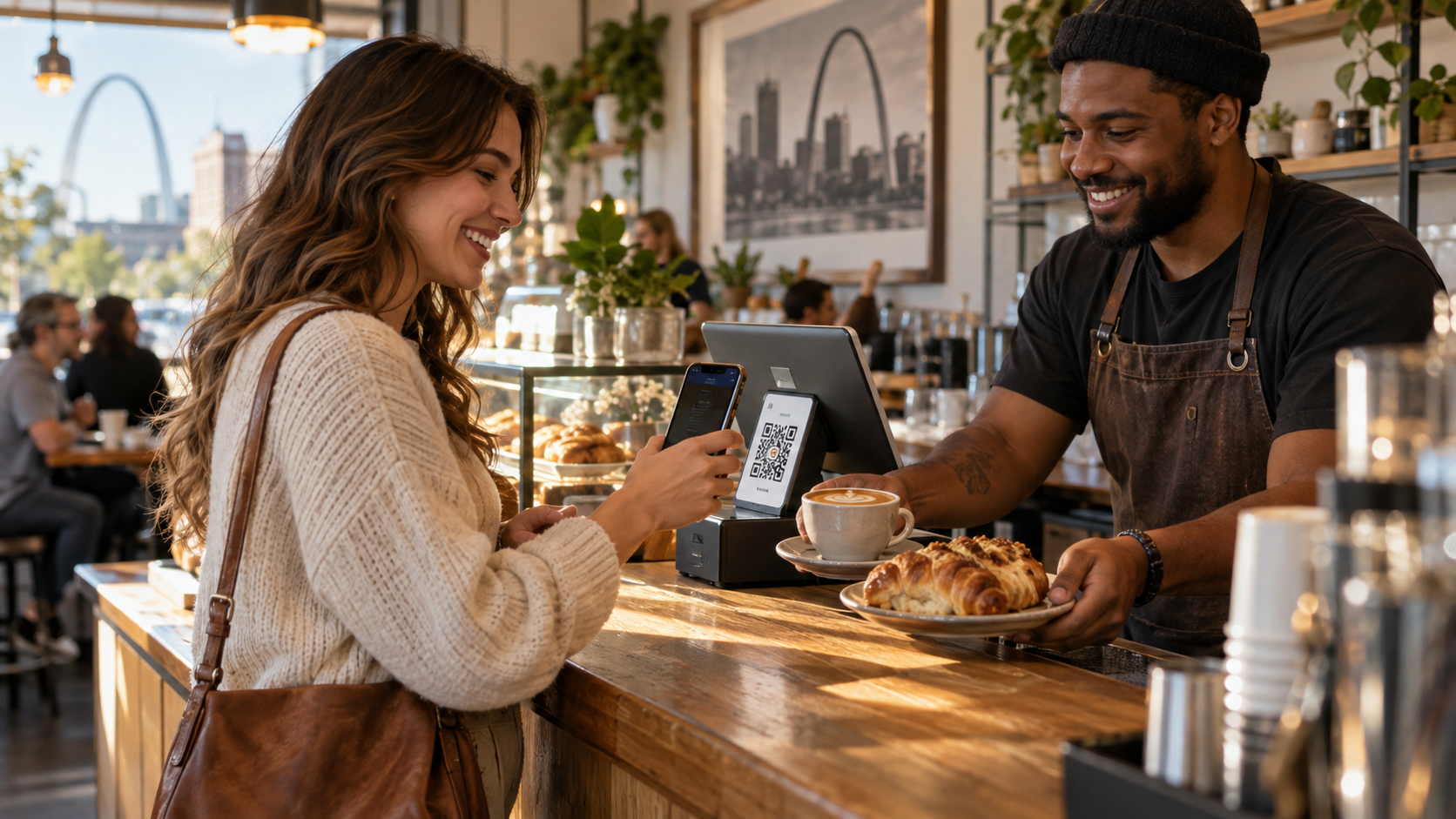
Bringing the digital experience offline, QR codes are a simple way for customers to leave a review while the service is still top of mind. For St. Louis restaurants or retail, a QR code on the counter or at checkout streamlines the review request process. Just ask: “Would you scan this real quick and leave us a review?”—removing all barriers for your existing customer to share feedback.
| Optimization Area | Why It Matters for Reviews | Pro Tip |
|---|---|---|
| Complete Business Info | Ensures customers can contact and review you easily | Double-check address, phone, hours, and category |
| High-Quality Photos | Builds credibility, attracts clicks, and increases trust on the platform | Add new images monthly |
| Direct Review Link or QR Code | Simplifies the review process for customers | Include on every receipt and digital communication |
| Timely Response to Reviews | Shows engagement and encourages future customers to leave reviews | Reply to every positive and negative review |
When and How to Ask Customers to Leave a Google Review
Timing and method matter. The best chance to ask for a review is immediately after a job well done or a successful transaction, when customer satisfaction is authentic and high. For St. Louis home services, this might be as you finish a repair; for local restaurants, right after a pleasant meal. Whether you’re online or face-to-face, a simple, timely request leverages the customer’s positive emotion and increases the likelihood they’ll leave a review—before life distracts them.
Pairing your ask with the right channel multiplies your results. Think text messages, email, or a printed card with a QR code—these channels integrate seamlessly with your existing workflow. Training staff to make direct, friendly requests in person provides a personal touch that stands out in today’s digital-first world. Consistency leads to a steady stream of customer reviews and a healthy star rating on the platform.
Multi-Channel Review Request Tactics
- SMS/text with a direct review link sent after service
- Email signature with a "leave us a review" callout for ongoing communication
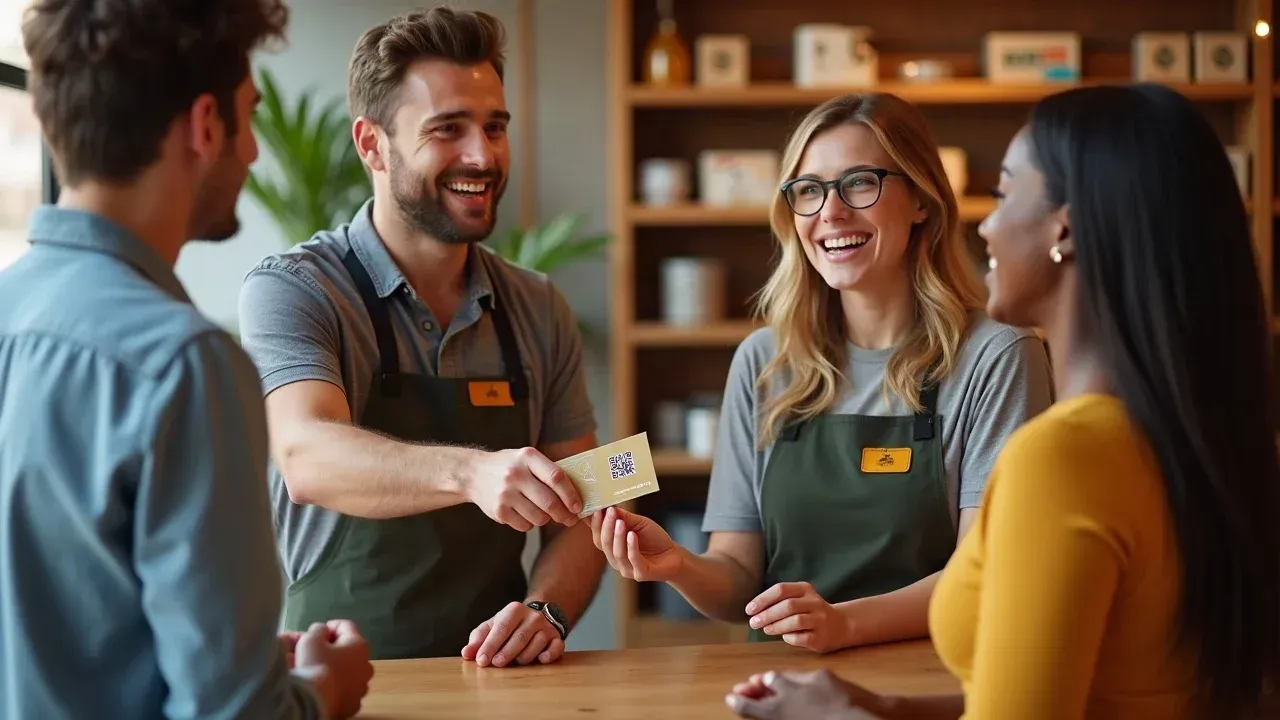
- Printed cards with QR code for in-person handoff
- Staff scripts for in-person, verbal review requests
- Placing review request reminders on receipts or checkout screens
Use every touchpoint to reinforce your platform review request. Adding a review link or QR code to receipts leaves a lingering prompt. Embedding a “leave us a review” message in your email signature not only reminds existing customers but also builds credibility with potential clients interacting with your business. Social media and other digital social channels allow you to keep the request top-of-mind for your audience, bridging the gap between in-store and online experiences.
Sample Review Request Scripts for Staff
- "We hope you had a great experience—would you mind leaving us a quick Google review?"
- "It’s easy, just scan this QR code and leave a review for our team."
- "Your feedback means a lot to us and helps fellow St. Louis customers make confident choices!"
Equipping your staff with simple, direct scripts ensures consistency and removes the awkwardness of asking. Each message is designed to feel personal, genuine, and easy for the customer to act on. Encourage your team to smile, make eye contact, and hand over a card or show the digital prompt as part of every transaction for the highest review volume.
Internal Processes to Get More Google Reviews for Small Business
Lasting review growth isn’t luck—it’s the product of a clear, internal process that fits your small business workflow. Assigning review requests to a specific staff member or making it a post-transaction habit ensures you don’t miss opportunities. Create a standard message and a simple tracking system to follow up and measure results, so you can adjust your approach and catch areas for improvement.
Consistency far outperforms sporadic, one-off review requests. Whether you’re a St. Louis dental practice or a retail shop, operationalizing your approach delivers a steady stream of platform reviews and keeps your local business top of mind on the search platform.
Checklist: Steps for Your Review Request Process
- Assign review request responsibility to a team member
- Trigger requests at the close of every transaction or job
- Use a standard template/message for each channel
- Track responses and follow up where appropriate
- Review results weekly and adjust your approach
How to Respond to Google Reviews for Small Business
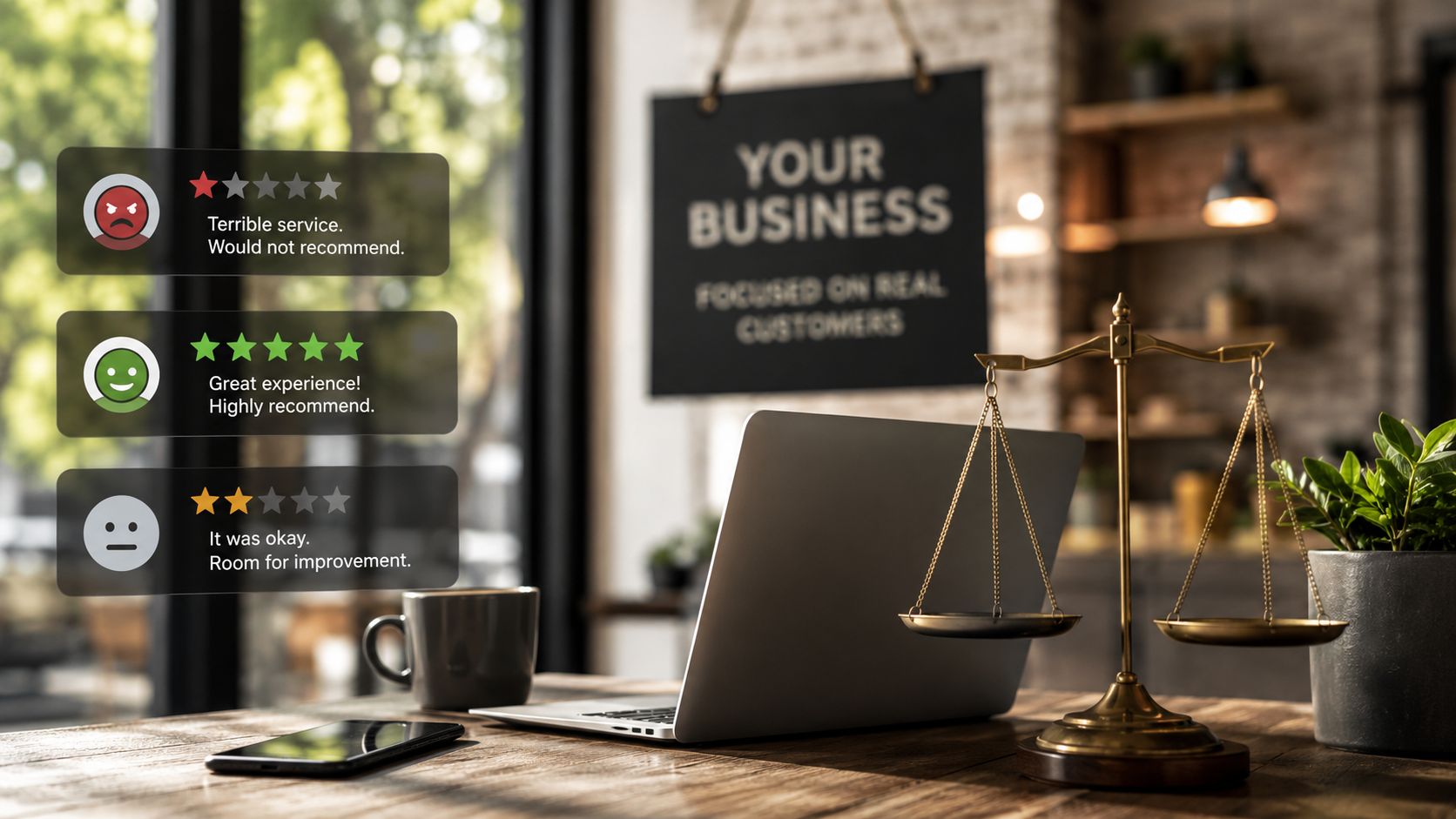
Responding to every review—positive or negative review—demonstrates that you value customer feedback and take reputation seriously. A thoughtful response to a positive review thanks happy customers and reinforces their decision to choose your business. For a negative review, a calm, prompt, and professional reply can turn a one-star experience into a chance to recover trust and even convert a critic into a loyal customer.
The most effective local businesses in St. Louis use review response as part of their reputation system. Each reply adds a “trust signal” to your Google Business Profile, showing future customers you care, you listen, and you stand behind your work. It’s as important as collecting reviews themselves.
Templates for Positive Review Responses
- "Thank you for your kind words! Serving you in St. Louis was our pleasure."
- "We’re glad you had a great experience—thanks for leaving a review!"
Make your positive review responses personal and specific where possible. When happy customers feel appreciated, they’re inclined to return—and their friends will notice, too.
Best Practices for Addressing Negative Reviews
- Respond promptly and calmly
- Thank the reviewer for their feedback
- Address their concern directly and professionally
- Offer to resolve the issue offline if appropriate
Never ignore negative reviews. Address them with professionalism. Show you’re listening and value input—even when it’s tough. Sometimes, a public response and a private resolution can flip a bad experience into a future five-star customer review.
Compliant and Effective Google Review Requests: What NOT to Do
Never incentivize reviews with discounts, contests, or rewards—this violates Google’s platform review policies and can get your business profile suspended or reviews removed. Also, do not “review gate” (i. e. , only asking happy customers to leave reviews) or use scripts that pressure or lead customers. All review requests must be unbiased and organic to keep your reputation—and your search platform presence—safe.
Why Authentic Reviews Are Critical for Small Business Growth
- Unbiased feedback builds genuine consumer trust
- Google removes fake or incentivized reviews, damaging credibility
- Organic reviews are weighted more heavily by Google’s search algorithm
“Honest feedback is the foundation of reputation: stick to transparent, compliant review request practices.” – Rising Review LLC
Prioritize authentic service and request honest feedback—this is the surest way to grow and protect your business for the long term, especially in a tight-knit community like St. Louis.
Pairing Google Reviews With Full Business Profile Optimization
Your Google reviews and business profile health work together to maximize your presence on the search platform. Regularly update your business info, add quality photos, and interact with reviews. These integrated efforts help you rank higher, earn more clicks, and convert browsing future customers into loyal clients.
| Action | Impact on Reviews | Impact on Rankings |
|---|---|---|
| Add Recent Photos | Builds credibility and attracts engagement | Improves visibility in search results |
| Complete All Profile Sections | Reduces friction for leaving a review | Boosts authority in Google’s local algorithm |
| Respond to Every Review | Encourages more customers to leave feedback | Demonstrates responsiveness (a ranking factor) |
Integrating Google Reviews Into the Bigger Reputation Strategy
Getting more Google reviews is the “Capture” phase of a proven local reputation system—what comes next are “Convert” (using reviews in marketing) and “Amplify” (sharing them on your website, social media, and beyond). Consider reviews your foundational input: the higher your volume, the more you have to share and the better your conversion rates, both online and offline in St. Louis.
Lists: Quick-Action Tactics to Get More Google Reviews for Small Business in St. Louis
- Send review requests via SMS/text after every transaction
- Add a review link or QR code to receipts and invoices
- Include a 'Leave Us a Review' prompt in your email signature
- Post regular reminders on social media
- Train your staff to verbally request reviews with provided scripts
- Respond promptly and professionally to every review received
People Also Ask: How Many 5 Star Reviews Does It Take to Increase Google Rating?
There’s no set number, as Google averages all customer feedback. However, each new 5 star review raises your average if your rating was previously lower. Steadily requesting feedback from happy customers after every service or sale increases your chances of seeing your Google rating rise over time—especially when paired with prompt responses and a well-optimized business profile.
People Also Ask: How to Get 1000 Reviews on Google?
To reach 1000 reviews, you need a consistent, multi-channel approach. Ask every satisfied customer to leave a review, provide a direct review link or QR code at every touchpoint, and make requests part of your daily workflow. Building high review volume isn’t about one big push—it’s about steady, persistent effort over months or years. Automated systems and staff training can help maintain momentum, but never resort to bulk or fake reviews. Quality, recent feedback always outweighs sheer numbers in Google’s eyes.
People Also Ask: How Much Does It Cost to Get Google Reviews?
It’s absolutely free to ask customers for Google reviews—there are no charges from Google for collecting honest customer feedback. However, do not pay for reviews or offer incentives, as this violates Google’s policies and may lead to your reviews being removed or your profile suspended. Invest your resources in a repeatable, compliant review system and staff training, not shortcuts.
People Also Ask: Can Google Detect Fake Reviews?
Yes, Google employs advanced algorithms and manual reviews to detect fake, incentivized, or spam platform reviews. If Google suspects your reviews are not organic—including patterns typical of paid review services, duplicate content, or sudden unnatural spikes—your reviews may be removed, and your business profile can be suspended. Always follow ethical review request practices for long-term local success.
Frequently Asked Questions About Google Reviews for Small Business
- Is it illegal to ask for reviews? – No, it’s not illegal. Google encourages asking for honest feedback; just don’t gate customers or incentivize reviews.
- Can I offer discounts or rewards for reviews? – No, providing any reward for reviews violates Google’s policies and risks your profile.
- How many reviews do I need to rank in the local pack? – The more quality, recent reviews you have, the better your chance. There is no official number; consistency matters more than volume.
- Should I respond to every review? – Yes, responding to all reviews (good or bad) shows you value customer feedback and supports ongoing engagement.
- Can negative reviews hurt my ranking? – A few negative reviews are expected; what matters is your overall rating and prompt, professional responses.
- What’s the best way to track and monitor reviews? – Use the Google Business Profile dashboard and consider reputation management tools if you receive a high volume.
Key Takeaways: Google Review Growth for St. Louis Small Businesses
- Google reviews are critical to your local reputation and search visibility in St. Louis
- Request reviews promptly, across multiple channels, using direct links or QR codes
- Responding to reviews is as important as collecting them
- Avoid shortcuts: never gate or incentivize reviews; always comply with Google’s policies
- A structured, ongoing process delivers more— and better —reviews than sporadic efforts
Video Recap: Proven Google Review Tactics for Small Business Owners
If You Want to Save Time, Consider Professional Help
While everything in this guide can be managed internally, partnering with an expert system or team—like Rising Review—can streamline, automate, and scale your review requests and review management, saving you hours every month and delivering even better visibility in St. Louis.
Ready for better results? Start by claiming your Google Business Profile today, and build your review request process for lasting growth.
Sources:
- https://support.google.com/business/answer/3474122?hl=en – Google Business Profile Help
- https://www.brightlocal.com/research/local-consumer-review-survey/ – BrightLocal Local Consumer Review Survey
- https://searchengineland.com/google-maps-reviews-local-ranking-394233 – Search Engine Land