How to Respond to Google Reviews Without Losing Customers
Imagine checking your business profile one morning and seeing a new customer review pop up. Whether filled with praise or concerns, your response will set the tone for hundreds of potential customers reading it. Mastering how to respond to Google reviews can mean the difference between building lasting customer loyalty or accidentally sending people elsewhere. This comprehensive guide will walk you through proven strategies for every scenario, so you can strengthen your online reputation and never lose a customer over a single review.
Setting the Stage: Why Learning How to Respond to Google Reviews Matters
Online reviews have evolved into digital word-of-mouth, arguably carrying as much influence as personal recommendations. When you learn how to respond to Google reviews effectively, you’re not just replying to a single customer—you’re shaping your entire business profile and public brand perception. Every review response, whether to positive feedback or a tough negative review, becomes part of your visible online story. Prospective customers pay close attention not just to star ratings, but to how a business responds to reviews—what you write and how you say it can build trust, resolve doubts, and even turn critics into advocates. By approaching Google review management with intention and professionalism, you seize a valuable opportunity to elevate your online reputation, showcase your customer service commitment, and stand out in a crowded market.
Let’s delve deeper into the scenarios, challenges, and strategic tactics that will help you respond to reviews just like a marketing pro, making your business profile not just strong, but truly trusted and respected.
Scenario: A New Google Review Arrives—What’s at Stake for Your Business Profile
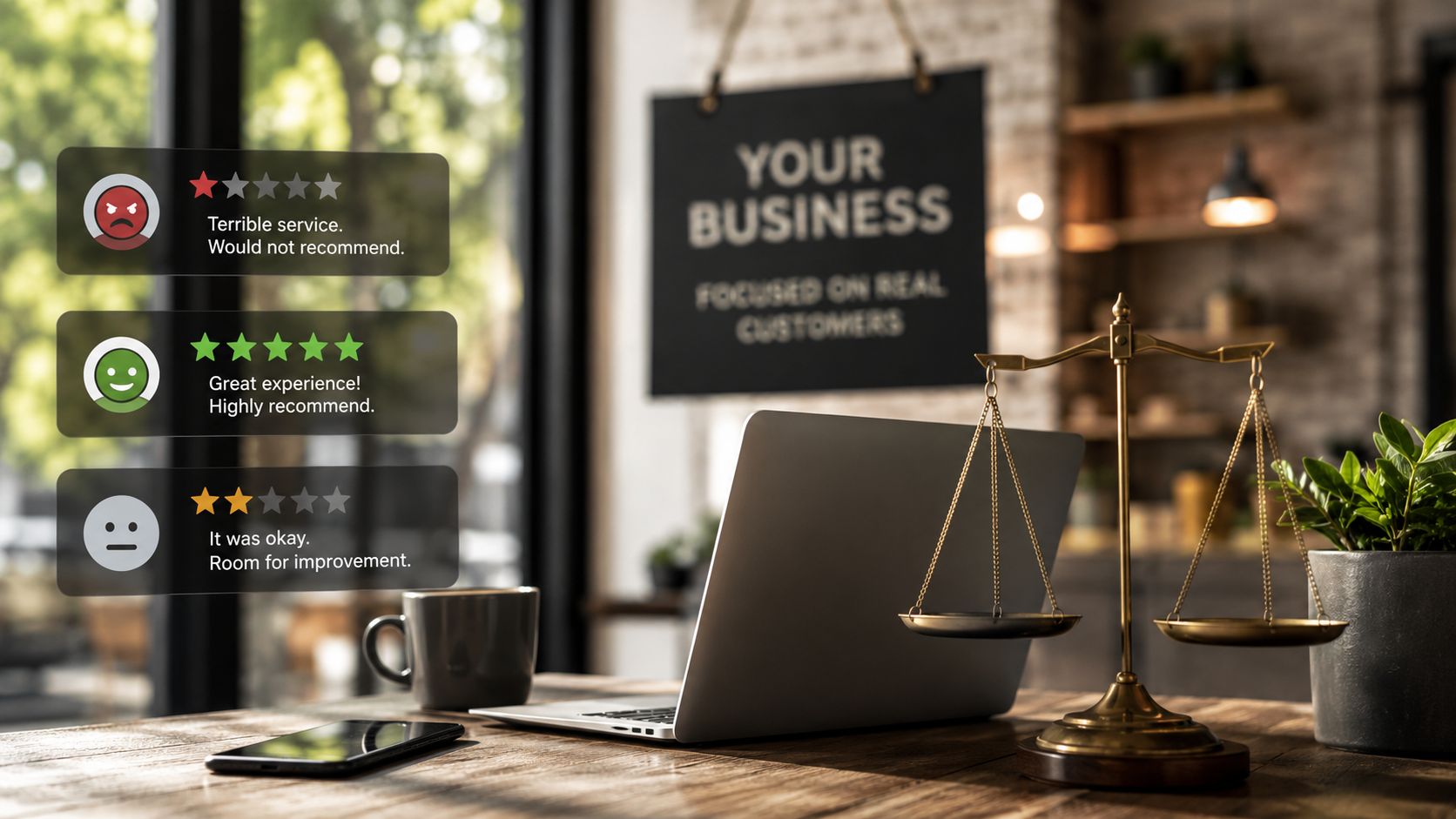
You receive a notification: someone left a new review on your business profile. Maybe it’s a glowing five-star compliment; maybe it’s blunt criticism detailing a negative experience. In this moment, your business’s online reputation and credibility are at stake. Most customers choose where to spend their money based on online reviews, and companies that consistently offer thoughtful review responses earn more trust. If your response is timely, empathetic, and constructive, you boost the confidence of both the reviewer and everyone else reading your replies. On the flip side, ignoring reviews—or reacting defensively—can damage your customer relationships, discourage new business, and put your reputation management efforts at risk.
By understanding what’s truly at stake each time a review appears, you’ll feel empowered to handle every review response as an opportunity to reinforce reliability, demonstrate strong customer service, and leave a positive impression in the minds of future potential customers.

Understanding the Importance of Online Reviews and Review Responses
Online reviews are now central to how consumers choose businesses, products and services. Each customer review is publicly visible and shapes your first impression. Thoughtful review responses show your dedication to customer service, highlight your willingness to learn from criticism, and spotlight your gratitude for positive feedback. These replies also serve as signals to your customer base that you truly value their voices, increasing the likelihood that more people will share their experiences.
When potential customers research businesses, they often read both online reviews and review replies. They’re seeking evidence that your business cares and is responsive—not only to satisfied customers, but especially when challenges arise. Developing your skills in how to respond to Google reviews is critical not just for building trust, but for establishing a reputation for authenticity and reliability in an increasingly competitive digital landscape.
Understanding the Importance of Online Reviews and Review Responses
- How to craft review responses that build trust and loyalty
- Steps for handling both positive reviews and negative reviews professionally
- Tactics for strengthening your business profile through thoughtful customer feedback interactions
- Examples of effective positive review response and responding to negative feedback
The Power of Review Response: Why Every Reply Counts for Your Business Profile
Every review response is a reflection of your business values and your customer service approach. Experience shows that prompt, personal, and professional replies to online reviews are among the most persuasive tools you have for marketing your business profile. When you respond thoughtfully, you acknowledge customer feedback and turn even negative reviews into positive PR opportunities. Your review response helps potential customers see that you take feedback seriously and are committed to continuous improvement—qualities that earn both loyalty and high regard.
Businesses that consistently respond to reviews report higher trust levels among new customers and improved long-term retention rates. Each review reply, whether it’s an apology for a negative experience or a thank you for positive feedback, demonstrates a dedication to customer satisfaction that competitors may lack. In the eyes of prospective clients, this can be the key deciding factor.
Impact of Online Reviews on Customer Decisions and Business Reputation
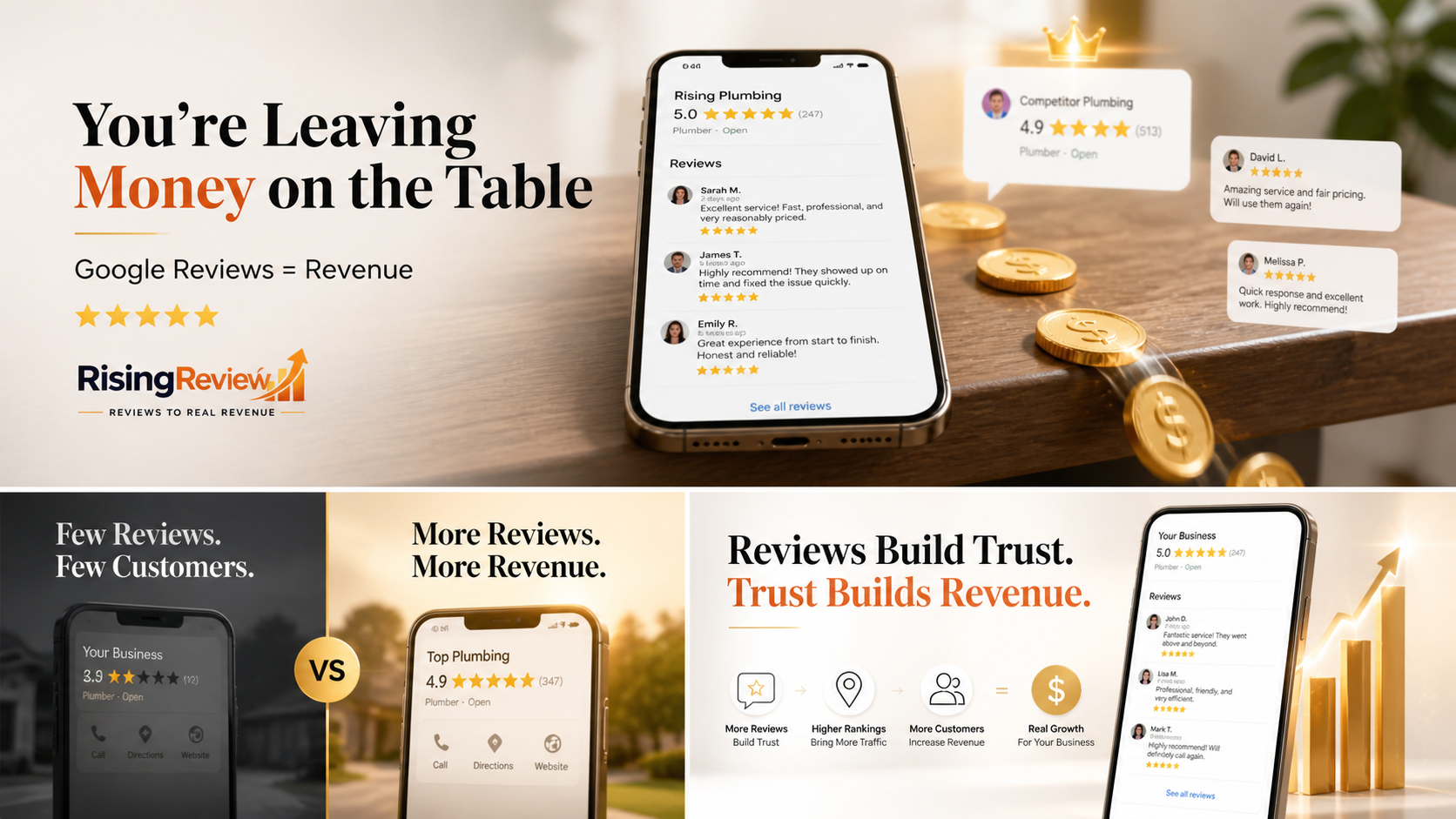
Today’s consumers are highly influenced by online reviews and public feedback. Studies show that the majority of people read several customer reviews before making any decision, using comments and review responses to gauge reliability and service quality. A single negative review that goes unanswered can shadow your business profile, while a prompt, gracious reply can reassure wary buyers that their concerns will be addressed.
Furthermore, responding consistently to reviews portrays your business as engaged, proactive, and attentive to customer needs. In contrast, businesses that neglect their online reviews or leave customer feedback without a reply risk coming across as indifferent or inaccessible. Investing in strong, reputation-focused review responses will not only protect but enhance your company’s image in the digital age.

Respond to Reviews: Building Trust Through Customer Engagement
The process of responding to Google reviews is not just about damage control or thanking happy customers—it’s about sustaining an ongoing conversation with your audience that directly impacts business growth. Each review response is a chance to show transparency, express gratitude, and offer solutions or improvements. This builds strong customer relationships and increases the odds that a satisfied customer will return.
By engaging publicly with online reviews, you send a clear message: you care about every individual experience and are willing to act on feedback. This transparency doesn’t just reassure the original reviewer—it boosts community sentiment and attracts new business through trust, authenticity, and reputational excellence. An engaged business profile with active review responses stands out online for all the right reasons.
Types of Google Reviews and How to Respond to Google Reviews Accordingly
Google reviews typically fall into three categories: positive, negative, and neutral or ambiguous. Knowing how to respond to each kind of customer review appropriately is a vital part of any review management strategy. Positive reviews are your chance to reinforce loyal relationships and encourage new business; negative reviews require a calm, constructive, and empathetic approach; and fake or inappropriate comments call for professionalism and, sometimes, escalation.
Learning to differentiate the intent and tone of each review is key to deciding on the best review response. This tailored approach ensures your responses remain relevant, credible, and consistently aligned with your brand’s voice and values across your business profile.
Differentiating Between Positive Review and Negative Review
A positive review often arrives with words like “thank you,” “great service,” or “highly recommend,” reflecting a satisfied customer eager to share their experience. In these scenarios, a warm and genuine reply expressing appreciation for the kind words can further build trust and encourage more positive reviews. A negative review, on the other hand, usually focuses on a disappointing interaction or product issue. While it can feel daunting, remember: these comments offer invaluable insights and a public opportunity to highlight your commitment to customer service.
When handling negative reviews, never respond impulsively or defensively. Instead, take a step back and respond with empathy, clarity, and a solution-driven mindset, transforming the complaint into a chance for recovery and reputation management. Neutral or ambiguous reviews, though less common, typically require clarification and an invitation to discuss the experience further.

Recognizing Fake or Inappropriate Customer Reviews and Online Reviews
Not all online reviews originate from legitimate customers—sometimes, fake or inappropriate reviews can appear on your business profile. These may include irrelevant comments, false allegations, spam, or language that violates Google’s content guidelines. Spotting these quickly allows you to take appropriate steps, such as flagging the review for removal or replying diplomatically to clarify facts for readers.
Always respond to questionable reviews with professionalism and restraint, avoiding any back-and-forth arguments. Use your review response to gently correct misinformation, invite the reviewer to reach out privately, and show other readers your commitment to objective, honest customer feedback. Regularly monitor your reviews to keep your business profile credible and trustworthy.
| Comparison Table: Positive Review Response vs. Negative Review Response Strategies | |||
|---|---|---|---|
| Type of Review | Response Strategy | Key Phrases | Goal |
| Positive Review | Express gratitude; personalize reply; invite return visits | Thank you for your kind words, We appreciate your feedback, Happy to hear | Reinforce satisfaction and encourage repeat business |
| Negative Review | Acknowledge issue; apologize where needed; offer solutions | We’re sorry to hear, Let’s resolve this, Thank you for bringing this to our attention | Demonstrate accountability and regain trust |
Templates and Tips for a Positive Review Response
Having a few templates on hand ensures you can reply promptly and consistently to positive reviews without sounding robotic. Begin by thanking the customer for their kind words, referencing a specific detail from their review if possible, and inviting them to enjoy your business again. Always sign off with your name or the business name to add a personal touch. Adjust your language slightly to match the customer’s tone—enthusiastic, grateful, or even humble appreciation.
If you’re short on time, refer to the list below for quick phrases that reinforce gratitude and show you read each positive review closely.
- Thank you for your kind words and for choosing us!
- We’re thrilled you had a great experience—come back anytime.
- Happy to hear you enjoyed our products and services.
- We appreciate your feedback and hope to see you again soon.
- Your review made our day! Thank you for sharing your experience.
Growing Positive Reviews with Personalized Replies
Personalizing your positive review response takes customer appreciation to the next level and encourages future engagement. Reference the specific product, service, or team member mentioned by the reviewer, or mention an upcoming promotion that might interest them. This practice makes every reviewer feel like a valued part of your community and can inspire other happy customers to share their experiences as well.
Whenever possible, invite happy customers to return, offer loyalty discounts, or simply reaffirm how much their feedback supports your team. Over time, this creates a ripple effect—one person’s positive review can lead to a broader culture of satisfied customers and word-of-mouth enthusiasm.
How to Respond to Negative Reviews Without Harming Your Online Reputation
Every business encounters a negative review at some point. What sets outstanding companies apart is not the absence of complaints, but the way they respond to negative feedback. With a calm, professional, and compassionate approach, you can not only address the concerns of the dissatisfied customer but also demonstrate integrity to everyone observing the interaction.
Turning negative reviews into opportunities for reputation management requires patience, empathy, and a willingness to solve problems. Follow the step-by-step guidance below to ensure your review responses enhance, rather than harm, your business profile.
Step-by-Step: Respond to Negative Feedback Calmly and Constructively
1. Pause and assess: Never respond in haste or anger. Give yourself a moment to process the negative review and gather accurate information.
2. Acknowledge the issue: Begin your review response by saying thank you for the feedback, and express genuine regret for the customer’s unsatisfactory experience.
3. Take responsibility—without excuses: If you were at fault, admit it plainly. If not, offer transparency about what may have gone wrong.
4. Outline your effort to resolve: Briefly explain what you’ll do to rectify the situation and invite the customer to contact you for a direct solution, moving the conversation offline if details are sensitive.
5. End positively and professionally: Thank the customer again and express hope for another chance to serve them better.

Transforming Negative Reviews into Opportunities
A negative review handled with grace can actually elevate your business. Many unhappy customers just want acknowledgment that their complaints matter—and often, they’ll update or remove a negative review following an empathetic, helpful response. By treating criticism as free advice for improvement, you can adapt your products and services more effectively, foster customer loyalty, and even attract new clients impressed by your professionalism.
Think of each negative review as a chance to demonstrate your organizational values. View them as opportunities to improve future customer service, fortify your public image, and differentiate yourself as a responsive, accountable business.
- Read the review twice before responding
- Respond to reviews as promptly as possible
- Stay calm, never arguing or using defensive language
- Offer to resolve issues offline when appropriate
- Thank the customer for their feedback—every time
Best Practices: Mastering the Art of How to Respond to Google Reviews
Successful online reputation management relies not just on responding to reviews, but on doing so according to proven best practices. From timing and tone to maintaining a unified voice across all review responses, consider the guidelines below as your foundation for strengthening your business profile online.
Equipped with these tactics, you’ll be able to convert every piece of customer feedback—positive or negative—into a reputation-boosting moment for your business.
Timing: How Quickly Should You Respond to Reviews?
In the digital age, speed matters. Responding to Google reviews within 24–48 hours is ideal whenever possible. Quick responses let customers know their input matters and help resolve negative reviews before concerns escalate. The sooner you address both praise and complaints, the sooner you demonstrate reliability and a strong commitment to customer service.
If you miss a review initially, don’t ignore it—apologize for the delayed response and address the content just as carefully. Prompt replies become hallmarks of your customer care culture and give your business profile a competitive edge.
Consistency and Tone in Review Responses
Consistency in your review replies is just as important as the words you choose. Align your tone with your brand voice—friendly, professional, and always solution-oriented. Every review response should reflect company values, showing that you’re as devoted to resolving complaints as you are to celebrating positive feedback.
Avoid canned or overly formal language that sounds insincere. Instead, adapt your tone to each review’s context, maintaining warmth and positivity throughout. A consistent approach helps customers recognize what your company stands for and reassures them they’ll be treated with respect at every touchpoint across your business profile.

Managing Your Business Profile for Ongoing Reputation Management
Effective review management is not a one-time task, but an ongoing process. Monitor your online reviews regularly, address new feedback promptly, and update your business profile details as needed to encourage ongoing customer engagement.
Leverage your responses as opportunities to highlight new products, services, or improvements you’ve made based on customer feedback. With consistent attention and adaptation, your business profile can grow into a powerful hub for marketing, reputation management, and genuine community building.
Common Mistakes to Avoid When You Respond to Reviews
- Responding defensively or arguing with customers publicly
- Failing to reply at all—silence can be perceived as indifference
- Copy-pasting generic responses (customers notice!)
- Ignoring critical or negative reviews while only thanking positive reviewers
- Revealing confidential or sensitive customer information in your replies
Using Technology and Management Software in Online Reputation Management
Today, there are many management software solutions designed to help business owners streamline how they respond to Google reviews. These platforms offer tools for monitoring all your online reviews in one place, setting up notification systems for new feedback, auto-generating template replies, and measuring response times for reputation management optimization.
Adopting this technology simplifies the process of review management, helps maintain consistency, and ensures that no review falls through the cracks. If your business profile receives a high volume of reviews across multiple platforms, management software can make efficient, professional response possible at scale.
How Management Software Can Streamline Responding to Reviews
Management software usually provides a dashboard highlighting every new review, assigning them by sentiment (positive, neutral, negative) and even suggesting best-practice templates. This allows your team to respond to reviews efficiently, track customer service improvements, and ensure timely follow-ups.
Many platforms integrate directly with Google and other major review sites, making it easy to centralize your review response workflow. This not only saves you time but also ensures your business profile remains active and reputation-focused—all with little manual effort.

Monitoring Your Business Profile and Online Reviews Efficiently
An effective review management system doesn't just reply to customer feedback—it tracks trends, identifies recurring issues, and surfaces opportunities for improvement. Monitoring your business profile on Google regularly gives you the data you need to refine your products and services, train your team, and stay ahead of reputational risks.
Commit to checking and analyzing your online reviews at least once a week, or set up automated alerts so you’re notified as soon as new feedback is posted. Recognizing shifts in sentiment and acting quickly will keep your business profile resilient and responsive, no matter what customers are saying.
Fostering Long-Term Customer Relationships Through Consistent Review Responses
Review responses aren’t just for damage control—they’re a long-term investment in customer loyalty and repeat business. By encouraging customers to share their experiences and responding thoughtfully every time, you create a culture of ongoing engagement and improved customer satisfaction.
Remember: every reply is a seed for future trust, referrals, and reputation management. Don’t leave customer feedback unaddressed—your next loyal advocate could be one kind review away.
Encouraging Customer Feedback and Turning Reviews into Repeat Business
The more you encourage honest online reviews, the more insights you’ll gain about what makes your business unique—and where there’s room for improvement. When customers see that you consistently reply to reviews (not just with thank-yous, but with real follow-up), they’ll feel empowered to return, refer you, and spend more.
Incentivize reviews with gentle reminders at checkout or follow-up emails, but always ensure your requests comply with Google’s review policies. Then, use the valuable customer feedback to improve products, services, or policies, closing the loop and earning customer loyalty for the long haul.
People Also Ask: Expert Answers
How do you respond to someone's Google review?
Answer: Guidance for Responding Appropriately to Individual Customer Reviews on Your Business Profile
Begin by logging in to your Google Business Profile, navigating to the “Reviews” section, and selecting the review you wish to answer. Start your review response with a thank you, address the reviewer by name if possible, and reference specific details from their review. For positive reviews, express your appreciation and invite them back. For negative reviews, apologize for their experience and offer a solution or invite them to continue the conversation privately. Always ensure your response is polite, authentic, and maintains your brand’s professional tone.
How do I reply back to a good review?
Answer: Steps and Templates for Responding to Positive Reviews
Thank the reviewer warmly for their kind words and specify what made their feedback special—such as a mention of a team member or a service they loved. Example template: “Thank you so much for your positive review! We’re thrilled you enjoyed your experience with us. Your feedback means a lot, and we look forward to seeing you again soon!” Personalization makes your review response stand out, showing future readers that their opinions are truly valued.
Why won't Google let me reply to a review?
Answer: Common Technical Issues Affecting Google Review Responses
If you’re unable to respond to Google reviews, double-check that you’re signed in to the correct Google Business Profile account and have the necessary permissions. Sometimes, temporary technical issues or account verification problems may block the “Reply” feature. Refresh your browser, update your app, or contact Google support if issues persist, as this could impact the timeliness and professionalism of your review responses.
How do you say thank you for a Google review?
Answer: Best Practices for Gracious, Authentic Review Responses
The simplest thank you can have the greatest impact. Phrases such as “Thank you for your kind words, we appreciate your feedback,” or “We’re so grateful you took the time to leave a review!” come across as heartfelt when paired with personalized details. Authentic gratitude shines through when you reference specific parts of their customer review and sign off personally, making each reviewer feel seen and valued.
Frequently Asked Questions about How to Respond to Google Reviews
- Should I respond to every Google review? Yes, reply to all reviews to build trust and show appreciation or willingness to address concerns.
- How soon should I reply to a negative review? Aim to respond within 24–48 hours to show active reputation management and concern for the customer’s experience.
- What's the best way to handle fake reviews? Respond briefly and professionally, then flag the review to Google for assessment and removal if it violates guidelines.
- Can responding to positive reviews really boost my business profile? Absolutely! Engaged, grateful replies to positive feedback show that you value every customer, inspiring trust and encouraging more reviews.
Key Takeaways for Successful Review Response and Reputation Management
- Maintain a professional, empathetic tone in all review responses
- Respond to Google reviews in a timely and consistent manner to support your business profile
- Leverage feedback as an opportunity to strengthen online reputation
Ready to Elevate Your Business Profile?
Call Rising Review at 314-626-0887 to Streamline and Enhance Your Google Review Responses
Don’t wait until your next review leaves you scrambling—partner with professionals to ensure every customer review drives loyalty and growth. Call Rising Review at 314-626-0887 to take the hassle out of review response, reputation management, and online review success.